Cute Shapes: Create Colorful Characters with Fun Shapes
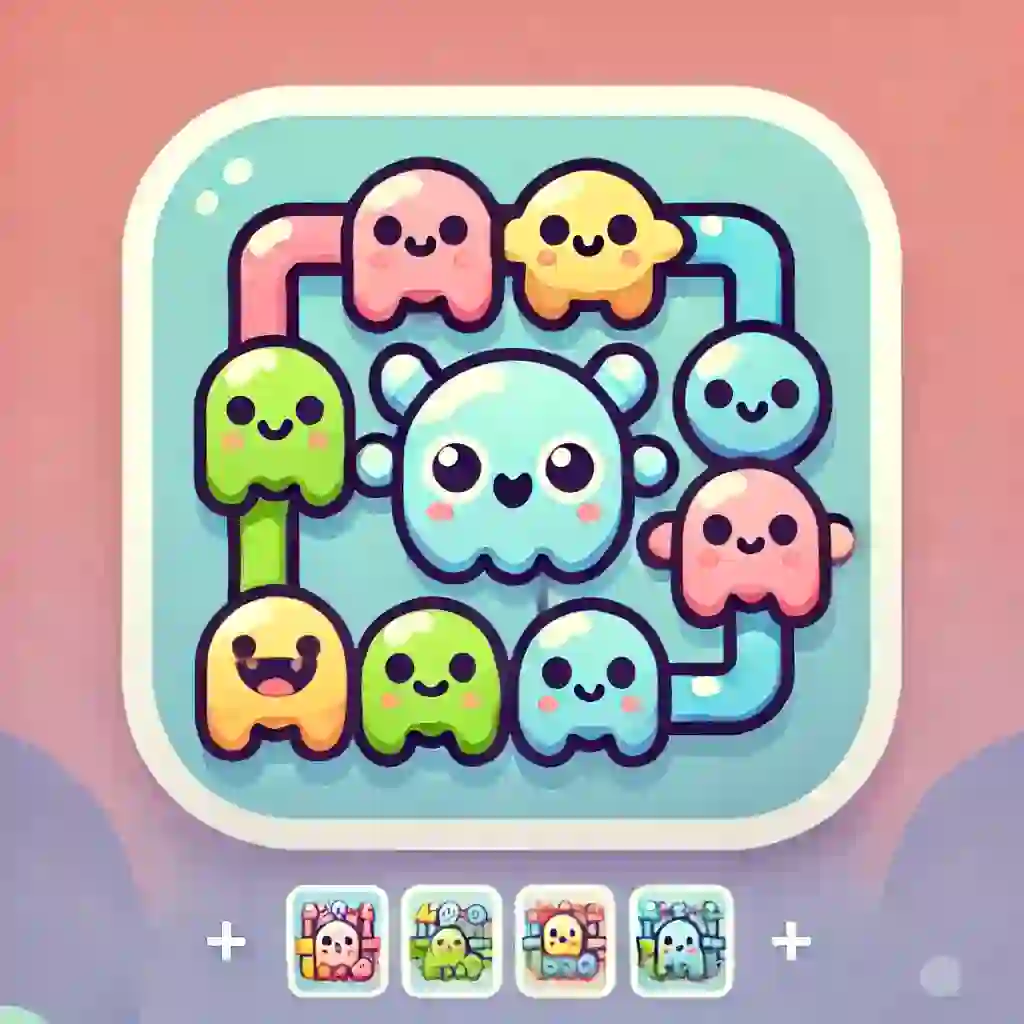
Cute Shapes is a creative design game where players can build cheerful little creations by choosing different shapes, adjusting their size, and giving them playful facial expressions. Instead of focusing on speed or competition, the game invites children to explore colors, forms, and imagination in a calm and enjoyable way. With simple interactions and bright visuals, it offers an easy space for creative play.
The charm of the game comes from how open ended it feels. A simple circle can become a smiling character, a square can turn into a funny face, and different combinations can create something completely new. Because players can change the look of each shape and give it its own expression, every design can feel personal. This makes the game especially appealing for children who enjoy drawing, decorating, and making playful visual creations.
Cute Shapes also adds a satisfying finishing touch by letting players take a photo of their work after they complete a design. That feature makes the game feel more rewarding, because every finished creation becomes something worth saving. For kids who want to express their imagination through bright colors and funny characters, this is a gentle and engaging creative experience.
Quick Summary
Creative design game based on choosing, resizing, and customizing cute shapes
Add different facial expressions to make each shape feel playful and unique
Bright and colorful presentation that supports imaginative play
Save finished creations by taking a photo of your design
A fun and accessible experience for children who enjoy visual creativity
Categories
Design / Kids / Educational / Customization / Casual
What is Cute Shapes?
Cute Shapes is a children friendly creative game where the main goal is to build colorful designs using different shapes and expressive face details. Instead of solving puzzles or racing against time, players spend their time experimenting with visual choices. A shape can be made larger or smaller, its expression can be changed, and its final look can be adjusted until it feels just right. That makes the game feel more like a playful design studio than a traditional challenge based game.
What gives the game its appeal is the freedom to turn simple elements into something full of personality. Shapes on their own are basic, but once facial expressions and color choices are added, they become lively little characters. This creates a strong sense of creativity, because the player is not just selecting pieces. The player is building something original from simple visual parts.
The game is especially suitable for children who enjoy art inspired activities, playful design, and imagination based experiences. It encourages observation, choice making, and light experimentation in a simple format. Because there is no heavy pressure, the focus stays on fun, discovery, and self expression.
How to Play Cute Shapes?
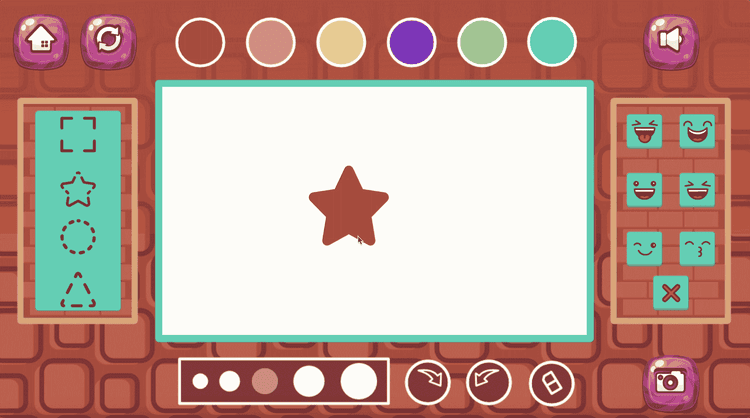
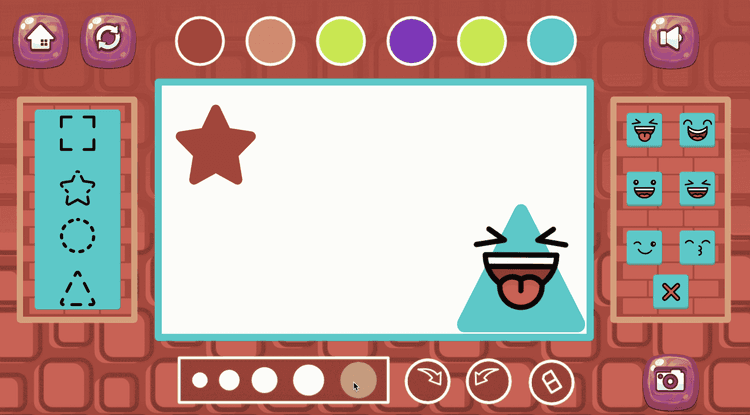
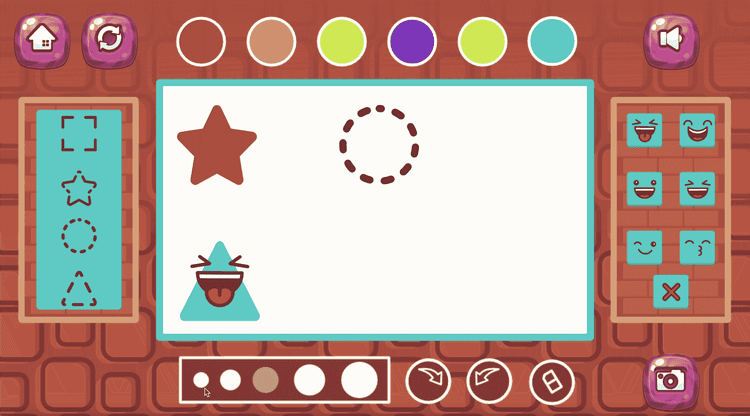
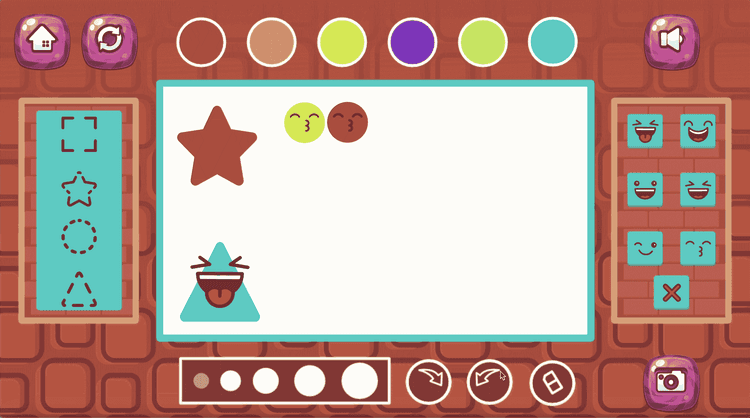
Cute Shapes is easy to begin and simple to enjoy. You choose shapes, adjust their size, add facial expressions, and build a colorful design that you can save afterward.
Choose one of the available cute shapes
Adjust the size of the shape to fit your design idea
Add a different facial expression to give it personality
Combine colors and shapes to create a playful composition
Take a photo of your finished work to save your creation
Cute Shapes Strategies
Start with the main shape first
Choosing your biggest or most important shape early makes it easier to build the rest of the design around it.Match expressions to the overall mood
A happy face, surprised look, or silly expression can change the feeling of the entire creation.Use size changes to create balance
Making one shape larger and another smaller can help the design feel more organized and interesting.Try color contrast carefully
Bright differences between shapes can make each part stand out more clearly.Finish with a final review before saving
Checking the layout one more time can help you improve the design before taking a photo.
Controls
PC
Use the mouse to select shapes and adjust their size.
Click on expression options to customize each design element.
Mobile
Tap shapes on the screen to choose and edit them.
Use touch controls to resize shapes and add facial expressions.
Discover Similar Games on Pixidus
Explore Design games for more creative visual activities
Browse Kids games for colorful and easy to enjoy experiences
Try Educational games that support imagination and visual learning
Check Customization games for more playful creation tools
Look through Casual games for relaxed and friendly gameplay
Frequently Asked Questions
Is Cute Shapes easy for children to understand?
Yes. The game uses simple actions and a very accessible creative structure.Can you change the size of the shapes?
Yes. Resizing shapes is one of the main parts of the design process.Do the shapes have facial expressions?
Yes. You can add different expressions to make each shape look more lively.Can you save what you create?
Yes. The game lets you take a photo of the finished design.Is the game more about creativity than challenge?
Yes. The main focus is imagination, visual play, and making colorful creations.
0 Comments
Please sign in to leave a comment
No comments yet