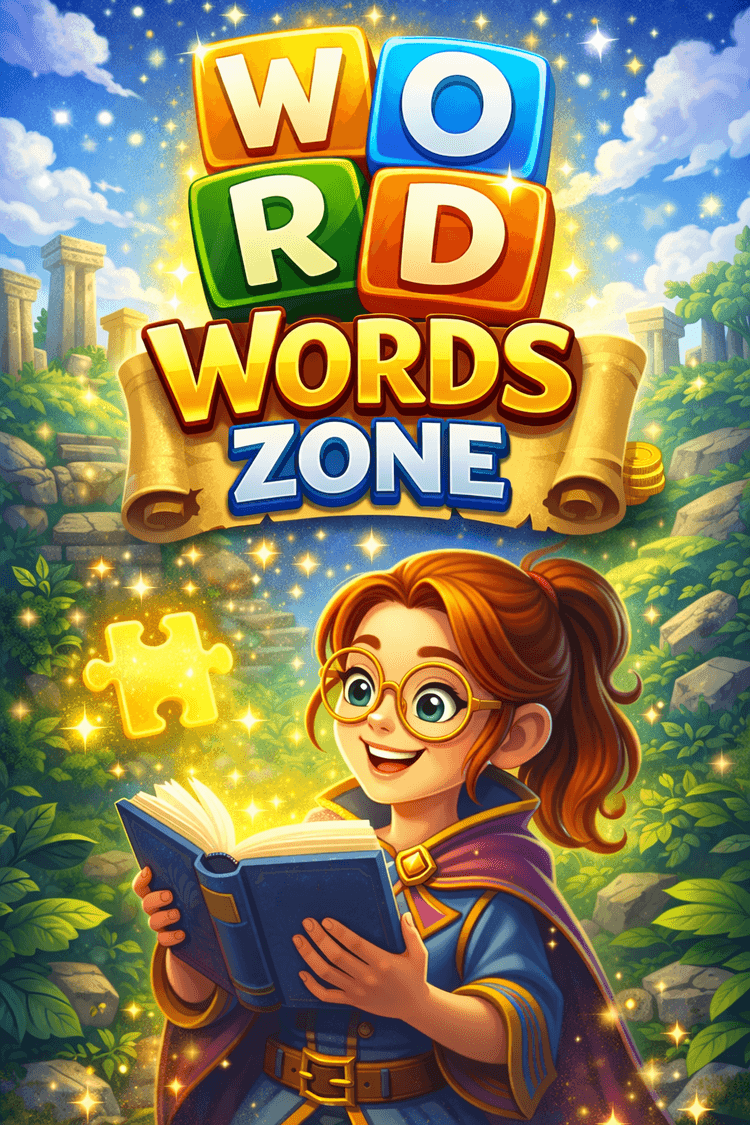
Words Zone: Enter the Ultimate Word Puzzle Experience
Words Zone is a fun and engaging word puzzle game where players connect letters to form meaningful words and complete levels. Combining classic word puzzles with modern brain game design, the game offers a relaxing yet challenging experience for players of all ages.
Each level presents a set of letters that can be combined to create hidden words. Early levels introduce the mechanics with simple puzzles, while later stages become more challenging and rewarding as your vocabulary and pattern recognition skills are tested.
Whether you play for a few minutes or for a longer session, Words Zone provides a satisfying puzzle experience that helps train your brain while keeping gameplay enjoyable.
Quick Summary
• Connect letters to create meaningful words
• Gradually increasing difficulty across levels
• Brain training through vocabulary puzzles
• Minimalist and relaxing design
• Playable offline without internet connection
Categories: Word / Puzzle / Brain / Logic / Casual
What is Words Zone?
Words Zone is a word puzzle game where players create words by connecting letters displayed on the screen. Each level contains hidden words that must be discovered using the available letters.
The gameplay becomes more challenging as new levels introduce more complex letter combinations and longer words. Players must think creatively and experiment with different letter arrangements to solve each puzzle.
Beyond entertainment, Words Zone also helps improve vocabulary, memory, and concentration through regular play.
How to Play Words Zone?
The goal is to find hidden words by connecting letters.
• Examine the letters displayed on the screen.
• Connect letters to form words.
• Discover the correct words to complete the level.
• Unlock new and more challenging levels.
• Continue building your vocabulary through gameplay.
Words Zone Strategies
• Start with shorter words.
Small words can help reveal larger combinations.
• Try different letter combinations.
Some words may not be obvious at first.
• Look for common prefixes and suffixes.
They can help identify longer words.
• Take your time.
Careful observation often reveals hidden words.
• Play regularly.
Practice helps improve vocabulary and pattern recognition.
Controls
PC Controls
Drag letters with the mouse to connect them and form words.
Mobile Controls
Tap and swipe across letters to create words.
Discover Similar Games on Pixidus
• Word games focused on vocabulary challenges
• Puzzle games designed for logical thinking
• Brain games that improve memory and focus
• Logic games based on pattern recognition
• Casual puzzle games suitable for relaxing sessions
Frequently Asked Questions
• What is the objective of the game?
The goal is to connect letters and discover hidden words.
• Is the game difficult?
Early levels are simple, but puzzles become more challenging over time.
• Does the game help improve vocabulary?
Yes. Regular play helps expand vocabulary and word recognition.
• Can the game be played offline?
Yes. Words Zone can be played without an internet connection.
• Is it available on mobile devices?
Yes. The game works smoothly on phones and tablets.
0 Comments
Please sign in to leave a comment
No comments yet