Color Square: Recreate the Pattern One Color at a Time
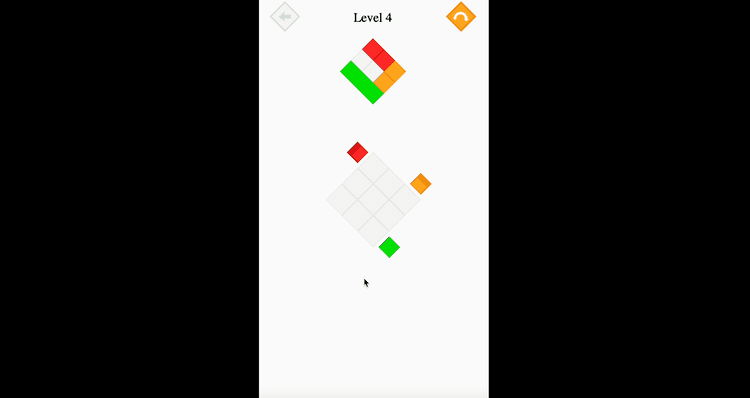
Color Square is a colorful puzzle game built around memory, focus, and careful pattern matching. In each level, your goal is to study a reference image and recreate it by painting the blank grid with the correct colors. The idea is very easy to understand, but the challenge becomes more interesting as the patterns grow more detailed and the need for accuracy becomes more important. Every square matters, which makes each completed grid feel satisfying.
What gives the game its appeal is the balance between logic and visual memory. You are not only placing colors randomly until something looks right. You need to pay attention to the original pattern, remember where each color belongs, and build the image square by square. This creates a calm but engaging brain teaser that rewards concentration and organized thinking. The simple interface also helps keep the focus on the puzzle itself, so the experience feels clean and easy to follow.
As the levels progress, the patterns become more complex and ask more from your memory. Some stages may allow you to look at the reference for a while, while others become more demanding by limiting how long you can rely on that visual guide. That change gives the game a nice sense of progression without taking away its accessible style. It stays friendly for younger players, but it also gives older players a satisfying mental challenge.
Color Square is a strong fit for anyone who enjoys puzzle games that mix memory with color recognition. Its structure is easy to enter, but completing later levels with fewer mistakes requires real attention. With bright visuals, a clear goal, and a relaxing but thoughtful pace, it offers a rewarding experience for both kids and adults.
Quick Summary
Puzzle gameplay based on recreating a color pattern on a blank grid
Match every square to the reference image with correct color placement
Focus, memory, and careful planning all play an important role
Later levels introduce more complex layouts and stronger memory pressure
Bright visuals and simple controls keep the experience clear and approachable
Categories: Logic / Color / Puzzle / Memory / Brain & Logic
Categories
Logic / Color / Puzzle / Memory / Brain & Logic
What is Color Square?
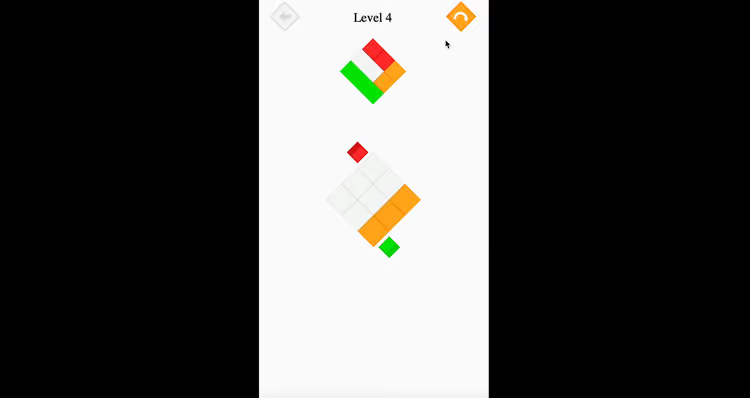
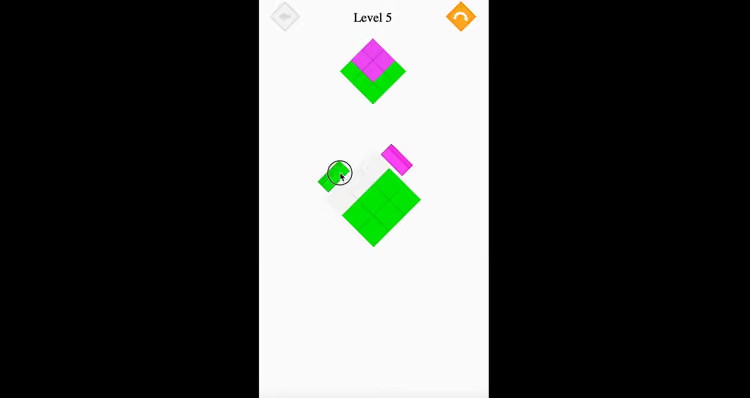
Color Square is a memory based puzzle game where players recreate a shown pattern by coloring the right squares in the right positions. Each level begins with a blank grid and a colored reference image. Your task is to study that pattern and then rebuild it tile by tile using the available colors. The objective is simple, but the challenge becomes more satisfying as the layouts become more detailed.
What makes the game interesting is the way it combines visual recall with logical placement. You cannot simply move quickly and hope the image comes together. Instead, you need to remember where each section belongs and place colors with care. That gives the game a steady rhythm that feels both relaxing and mentally active at the same time.
The game is especially suitable for players who enjoy brain teasers with clear rules and colorful presentation. Children can enjoy its accessible design and pattern based learning, while older players can appreciate the memory challenge in later stages. Because the gameplay stays focused on one strong idea, Color Square feels consistent, readable, and rewarding from one level to the next.
How to Play Color Square?
In Color Square, your goal is to study the reference pattern and rebuild it on the empty grid using the correct colors. To complete each level successfully, you need to place each color in the right square and keep the final image as accurate as possible.
Look carefully at the pattern shown before you begin painting
Choose a color from the available palette
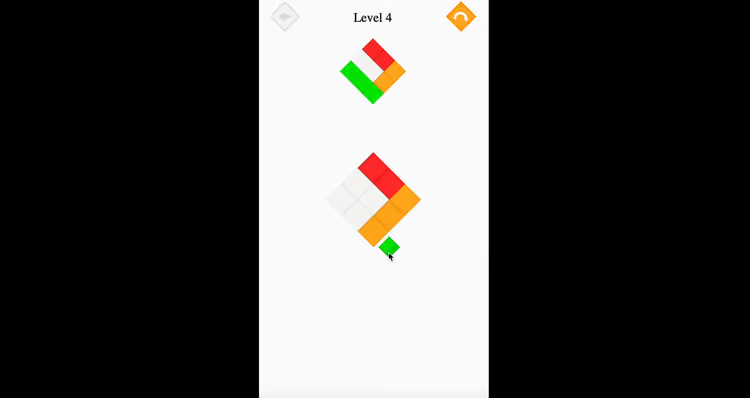
Click or tap the squares where that color belongs
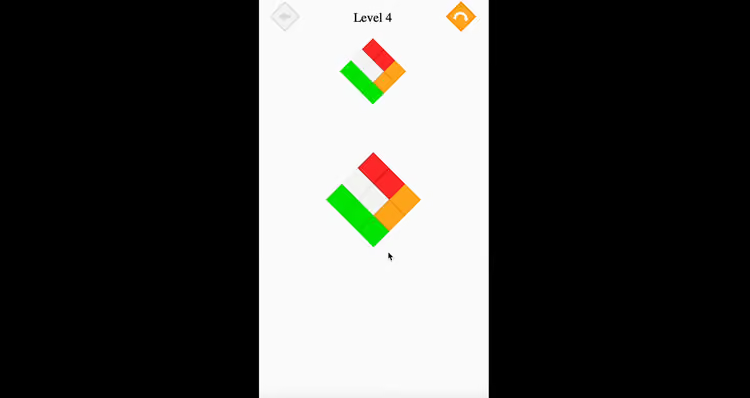
Continue filling the grid until it matches the reference image
Finish the level by recreating the pattern correctly
Color Square Strategies
Study the whole pattern before painting
Taking a moment to understand the overall layout helps you remember large color areas more clearly.Build the image in sections
Working on one part of the grid at a time can make complex patterns easier to manage.Use distinctive colors as anchors
Bright or unusual colors can help you remember key positions and organize the rest of the pattern around them.Check shape placement, not just color count
Remembering how the pattern is arranged is often more useful than only remembering how many squares share a color.Stay calm if you make a mistake
Correcting one wrong tile is easier when you keep the pattern structure in mind instead of rushing through the board.
Controls
PC
Click to select a color, then click the squares you want to paint.
Use careful placement to match the reference image tile by tile.
Mobile
Tap a color, then tap the squares you want to fill.
Paint the grid with accurate touch input to recreate the shown pattern.
Discover Similar Games on Pixidus
Explore Logic games for clever challenges built around planning and correct placement
Browse Puzzle games for level based tasks that reward patience and observation
Check Memory games for activities that test recall and visual attention
Try Brain & Logic games for structured challenges that stay simple to understand
Look through Color based games for more experiences centered on matching and recognition
Frequently Asked Questions
Is the goal to copy the pattern exactly?
Yes. You need to recreate the shown reference as accurately as possible.Does the game use memory as well as logic?
Yes. Remembering color placement is a major part of later levels.Can mistakes be corrected during play?
Yes. Wrong placements can be fixed, but careful play usually leads to better results.Do the levels become harder over time?
Yes. The patterns become more complex and may place more pressure on your memory.Is this game suitable for both kids and adults?
Yes. Its simple rules make it accessible, while the later puzzles still offer a satisfying challenge.
0 Comments
Please sign in to leave a comment
No comments yet